
Short answer
Start with the document title and revision, confirm the model and component shown, retain the page reference, and compare the exact code and drawing to the website record. Never transfer a value from one component or configuration to another.
Confirm the document boundary first
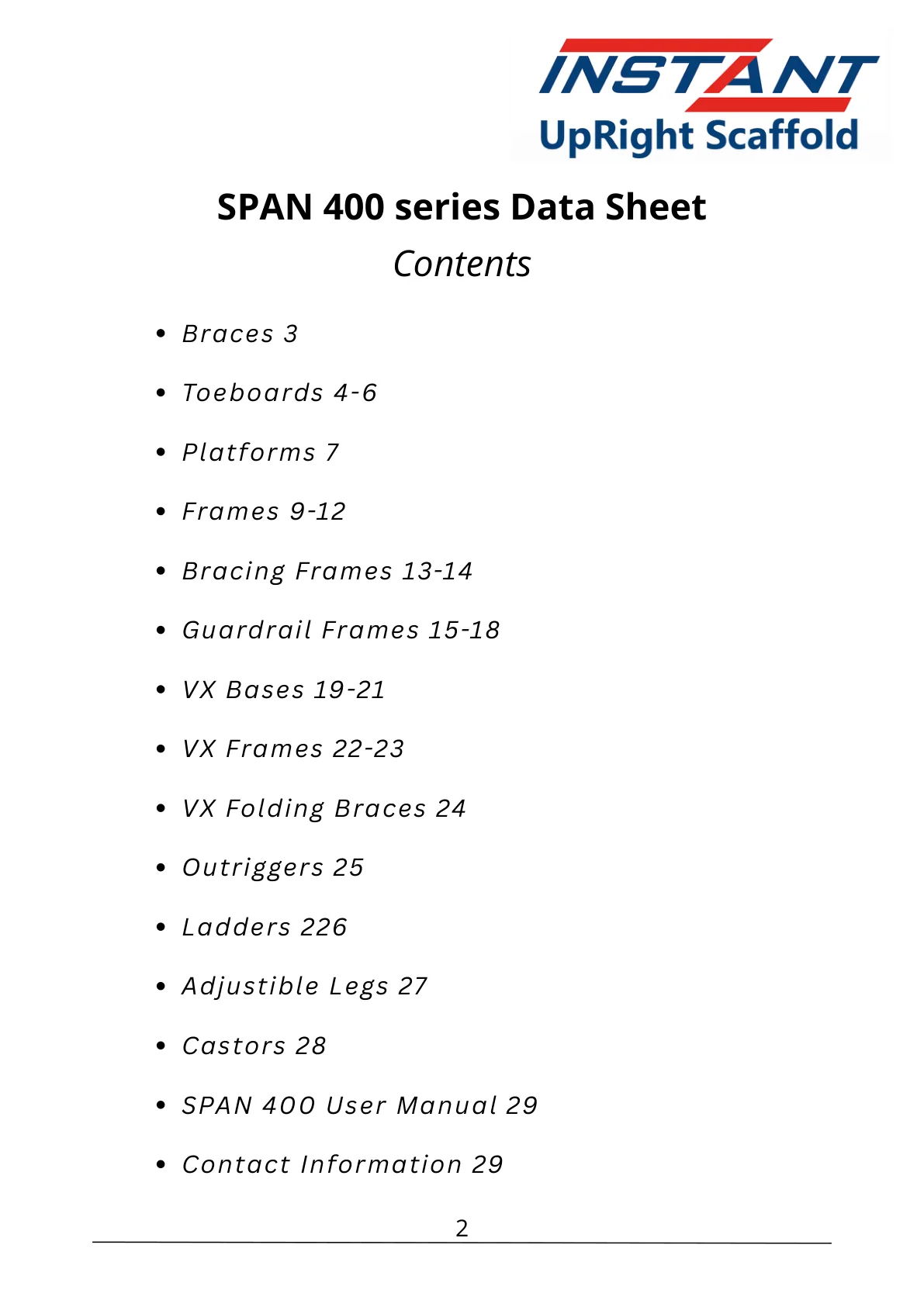
Identify the source title, revision, covered model, page, table, and section before using a technical value. A manual may contain several widths, frame forms, or component groups; proximity on a page does not create compatibility.
Cross-check code, drawing, and context
Search the exact code on the website, including suffixes. Compare the product name, dimensional labels, drawing orientation, and stated family. Record conflicts instead of choosing the more convenient value.
Information checklist
- Document title and revision
- Page and section
- Exact code and suffix
- Model or family boundary
- Any website-document conflict
Keep the complete manual available
Website summaries help search and quote preparation. Safety warnings, assembly sequences, inspection content, limitations, and complete context remain in the original document and must not be reduced to an article summary.